BBQ party photo sharing
Share photos from your BBQ party with Snapr. Guests scan a QR code and upload photos directly from their phones — displayed live on the big screen. No app, no registration, completely free.
- 200 photos free — no registration
- QR code guests scan with their phones
- Live slideshow on the big screen in real-time
- Works on all devices without an app
No registration required
How to get started
Three steps, no app and no sign-up.
Step 1
Create event
Name your event and get a unique QR code in seconds.
Step 2
Share QR code
Display the QR code or print it. Guests scan with their phones.
Step 3
Watch photos live
Photos appear on the big screen in real-time as guests upload.
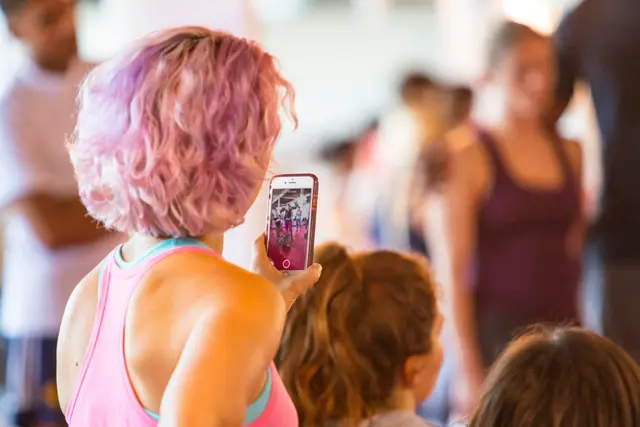
BBQ Party
Share your photos
Let's make memories together. Everything in one place, straight from your phone, no app.
Latest from guests






What your guests see
Scan. Pick photos. Done.
The upload page opens in the phone's browser the moment the QR code is scanned. There is nothing to download and nothing to sign up for, so it works for grandma too.
Any phone, any browser
iPhone, Android, old or new. If it has a camera and a browser, it works.
Photos and video
Guests can upload short videos as well as photos, on every plan.
Private by default
Only people with the link or the QR code can see the gallery. Nothing is public or searchable.
The big screen
Your party, live on the wall
Plug a laptop into the TV or cast with Chromecast. New photos appear seconds after they are taken, with the QR code always on screen so more guests join in.
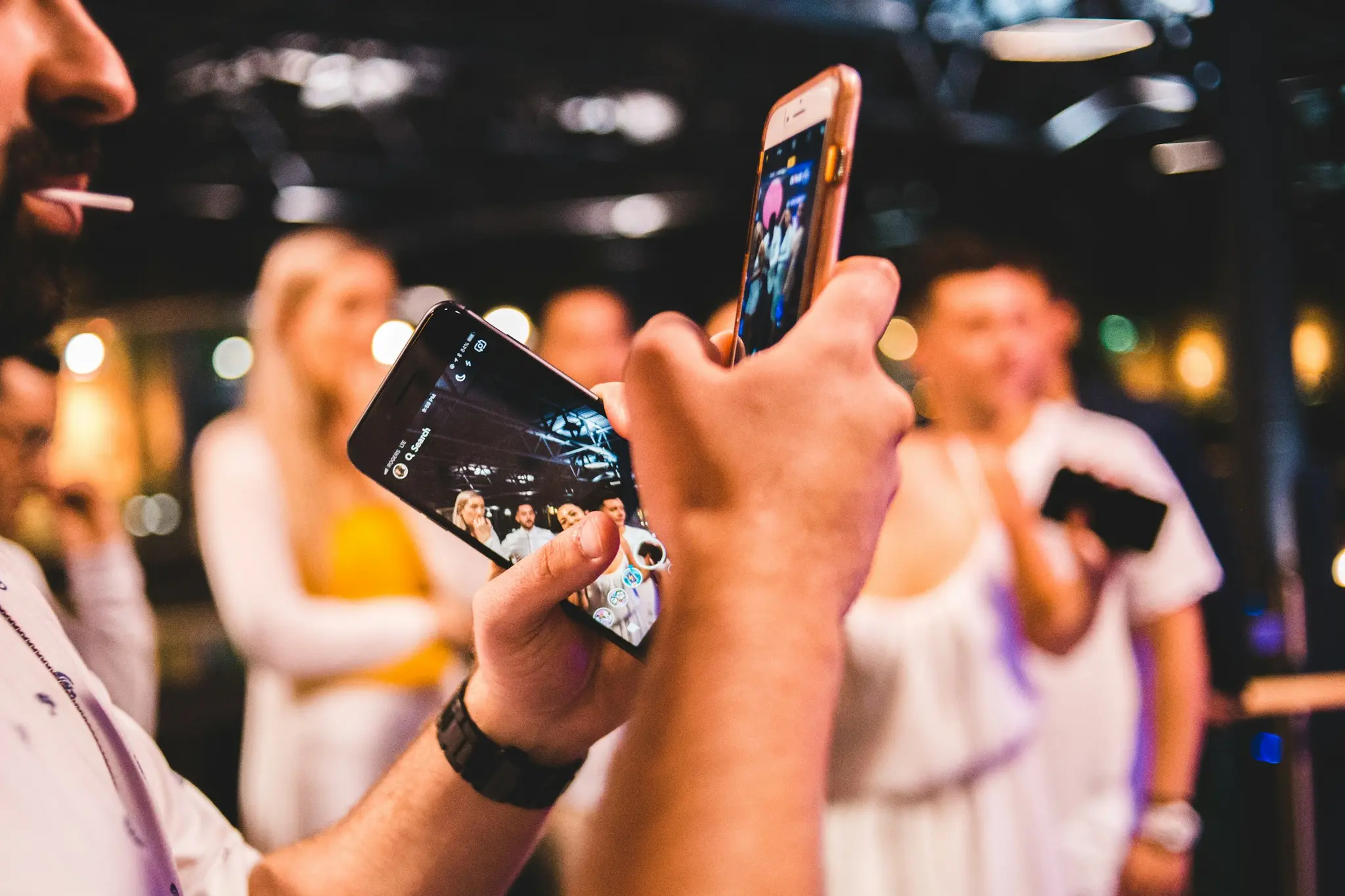 LiveBBQ Party
Scan to upload
Snapr.no
Updates in real time
New photos slide in seconds after upload. No refresh, no manual work.
TV, projector or Chromecast
Runs in any browser. Cast it from the dashboard or plug in a cable.
Single or grid layout
One photo at a time for the speeches, a grid for the dance floor.
Everything a host needs. Nothing to install.
Built for the one evening where it has to just work.
QR Code
The QR code holds one thing: the guest upload address for a single event — a snapr.no link with the event id and a 64-character access key. A phone camera opens it in the browser. Every event gets its own code, and it points at nothing else.
Live Slideshow
A full-screen browser page at snapr.no/<language>/event/<event-id>/display that listens for new uploads and shows them as they arrive. It runs on whatever drives the screen — laptop, TV browser, Chromecast or AirPlay — and needs no software installed.
Photo Sharing
After scanning the QR code a guest lands on an upload page in the phone's browser: one button opens the camera, the other picks from the gallery, up to 20 files per go. The files join the event's shared collection and appear on the big screen.
Photo Wall
A photo wall is the grid mode of the display page: instead of one picture at a time, the screen tiles up to six guest photos at once in a fixed asymmetric layout, and the selection moves one photo forward on every interval as new uploads arrive.
TV Display
TV display means getting the event's display page onto the television at the venue. Three routes: an HDMI cable from a laptop, casting a Chrome tab to a Chromecast, or AirPlay screen mirroring. The TV runs an ordinary web page — there is no Snapr TV app.
Photo Booth Alternative
Snapr as the booth itself, running on a screen you already own: a tablet, a laptop or an old phone on a stand. It counts down, flashes the screen white and puts the picture on the wall a moment later, under the event's own name. Guests who would rather not queue scan the same QR code and shoot from their own phones into the same gallery. Nothing is delivered, nothing is rented and nothing prints.
DIY Photo Booth
A photo booth you set up yourself: an old tablet, a laptop or a spare phone on a stand, running Snapr's booth screen. It counts down, flashes the screen white and puts the picture on the wall a moment later, under the event's own name. The hardware is whatever you already own — what makes it a booth is the queue, the countdown and the framed photo at the end.
Guest Upload
Guest upload is the core of Snapr: a guest points their phone camera at your QR code, the upload page opens in the browser, and they pick photos from the camera roll or shoot a new one. No app, no account, no password — the link itself is the access.
Video Sharing
Video sharing lets guests upload MP4 and MOV clips through the same page they use for photos. A clip counts as one file toward the event's limit, and it plays in full in the slideshow — the screen waits for the video to end before moving on.
Photo Download
Photo download is how the host gets everything out afterwards. On the event page, Download all fetches every photo and video in the gallery, packs them into one ZIP in the browser and saves it to your computer. The files come out exactly as guests uploaded them.
Real-Time
The big screen holds an open subscription to the event's photo list in the database. When a guest's upload finishes, the record is written and the screen is pushed the change over that connection — no polling, no page refresh. The photo is preloaded, then slotted into the running slideshow.
Chromecast
Casting sends the slideshow from a computer's browser to a TV over the local network. Snapr does not run a Chromecast app of its own — you cast the Chrome tab the slideshow is running in, which is why the cast button opens instructions rather than a device picker.
No App Required
Guests scan the QR code, the phone's browser opens the upload page, and they pick photos or shoot new ones. Nothing is installed and no account is created — not by the guests, and not by the host, who can set the event up anonymously and only add an account later if they want one.
About BBQ parties
Snapr is built for gatherings like BBQ party. Guests scan the QR code, upload straight from their phones, and the photos appear on the big screen within seconds — no app to install and no account for anyone to create.
The typical guest count for BBQ parties is 5-50, making Snapr ideal for collecting photos from all attendees. Best for: outdoor gatherings, backyard summer parties, neighborhood get-togethers.
Season: May.
Why Snapr for BBQ parties?
No app needed
Guests don't need to download anything — everything works in the browser.
Free to start
200 photos free per event. Upgrade if you need more.
Live on big screen
Connect to TV or projector and watch photos arrive in real-time.
Secure & private
Only those with the link have access. Your photos stay private.
Frequently Asked Questions
What guests and hosts ask about most.
Is Snapr easy to use at a casual BBQ where not everyone is tech-savvy?
Yes — there's nothing to install. Guests scan the QR code with their phone camera and the upload page opens straight in the browser, so kids, grandparents, and neighbors can all join in without figuring out an app.
Can we use it with greasy hands and phones passed around at the grill?
Sure — uploading takes a couple of taps: scan, pick a photo (or take one), send. No login or typing required, so it's quick even mid-barbecue.
Does it cost anything for a small neighborhood BBQ?
No — the free plan covers up to 200 photos with a live slideshow and 14-day storage, which is plenty for a typical 5-50 guest BBQ party.
All Events
Find Snapr guides for all event types
Wedding
Wedding ceremonies, receptions, dinners and parties

Birthday
All ages, surprise parties, milestone birthdays
Kids Birthday
Games, activities, themed parties for kids ages 1-12

40th Birthday
Milestone celebrations, surprise parties, dinner parties
50th Birthday
Big milestone celebrations, family parties, event venues
Confirmation
Confirmation parties, family gatherings, church ceremonies
BBQ party photo sharing
Create a free event in 30 seconds. Guests scan the QR code — no app required.
Create a free eventNo registration required