All your guests' photos from your , in one place.
Guests scan a QR code and upload straight from their phone browser. Every photo lands in your gallery, and on the big screen, live.
- No sign-up
- 200 photos free
- Ready in 2 minutes







Up and running in two minutes
Three steps. Nothing to install, for you or your guests.
Step 1
Create your event
Give it a name and you get a QR code and a link right away. No account needed.
Step 2
Put the QR code where guests see it
Print it for the tables, add it to the invitation or show it on a screen.
Step 3
Watch the photos roll in
Every upload appears in your gallery and on the live slideshow within seconds.
QR design
A QR code that suits the party
Six tested designs, from classic to heart. Print them as table cards, put them on the invitation or show them on the big screen.
What your guests see
Scan. Pick photos. Done.
The upload page opens in the phone's browser the moment the QR code is scanned. There is nothing to download and nothing to sign up for, so it works for grandma too.
Any phone, any browser
iPhone, Android, old or new. If it has a camera and a browser, it works.
Photos and video
Guests can upload short videos as well as photos, on every plan.
Private by default
Only people with the link or the QR code can see the gallery. Nothing is public or searchable.
The big screen
Your party, live on the wall
Plug a laptop into the TV or cast with Chromecast. New photos appear seconds after they are taken, with the QR code always on screen so more guests join in.
Updates in real time
New photos slide in seconds after upload. No refresh, no manual work.
TV, projector or Chromecast
Runs in any browser. Cast it from the dashboard or plug in a cable.
Single or grid layout
One photo at a time for the speeches, a grid for the dance floor.
Everything a host needs. Nothing to install.
Built for the one evening where it has to just work.
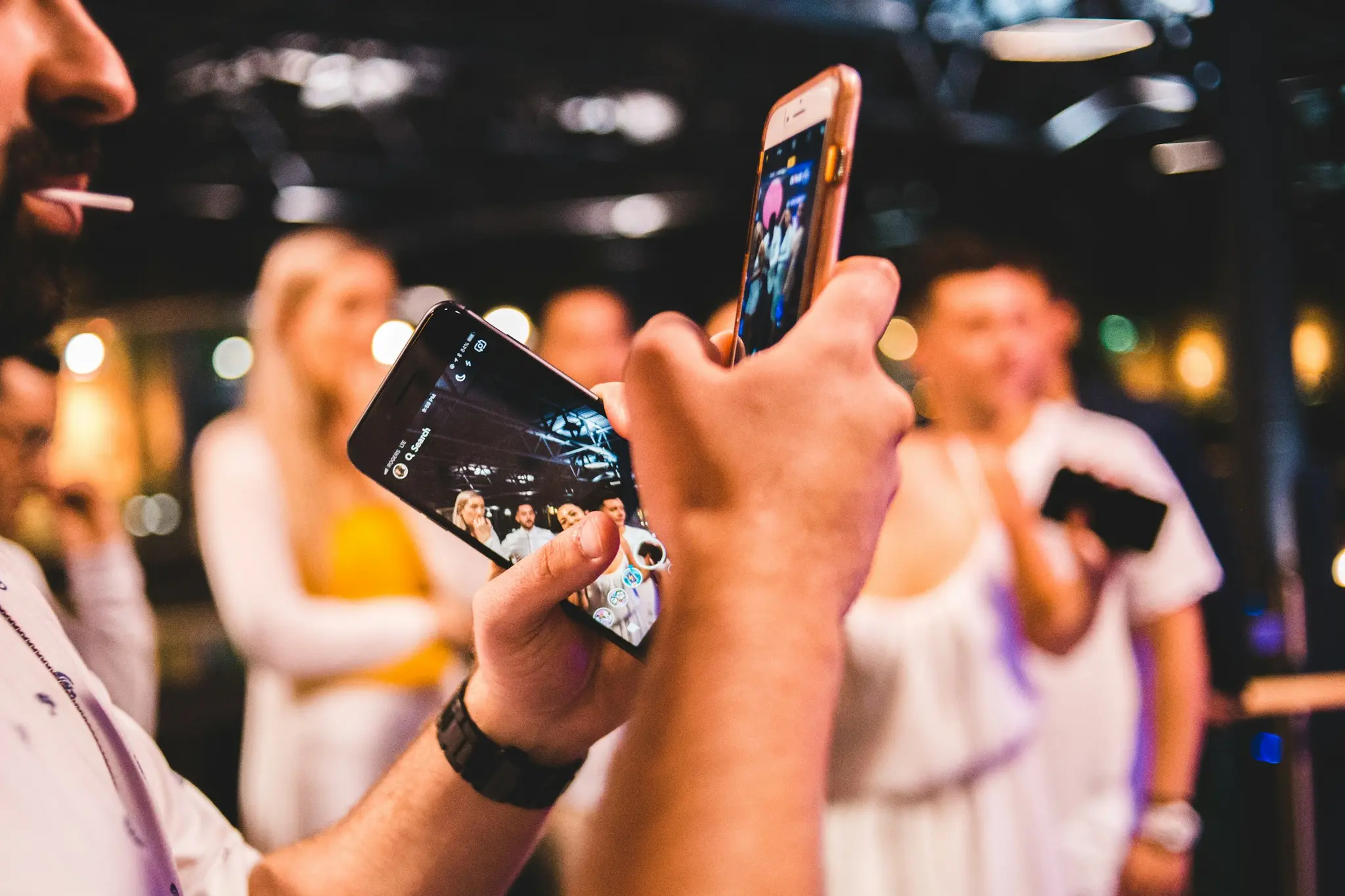
No app, no account
Guests scan and upload from the browser. Works on every iPhone and Android.
Live on the big screen
The slideshow runs on any TV or projector and updates the moment a photo arrives.
Private by default
The gallery is only reachable by link or QR code. We never publish or share it.
Download everything
Get every photo in one click. Premium keeps the original files for a full year.
Photos and video
Short videos work just like photos, on the free plan too.
In your guests' language
Snapr speaks Norwegian, Swedish, Danish and English, for hosts and guests alike.
- Norsk
- Svenska
- Dansk
- English
Made for every kind of gathering
Pick your event and see how other hosts set it up.

Halloween
Costume parties, spooky decorations, themed parties for adults and kids

Birthday
All ages, surprise parties, milestone birthdays
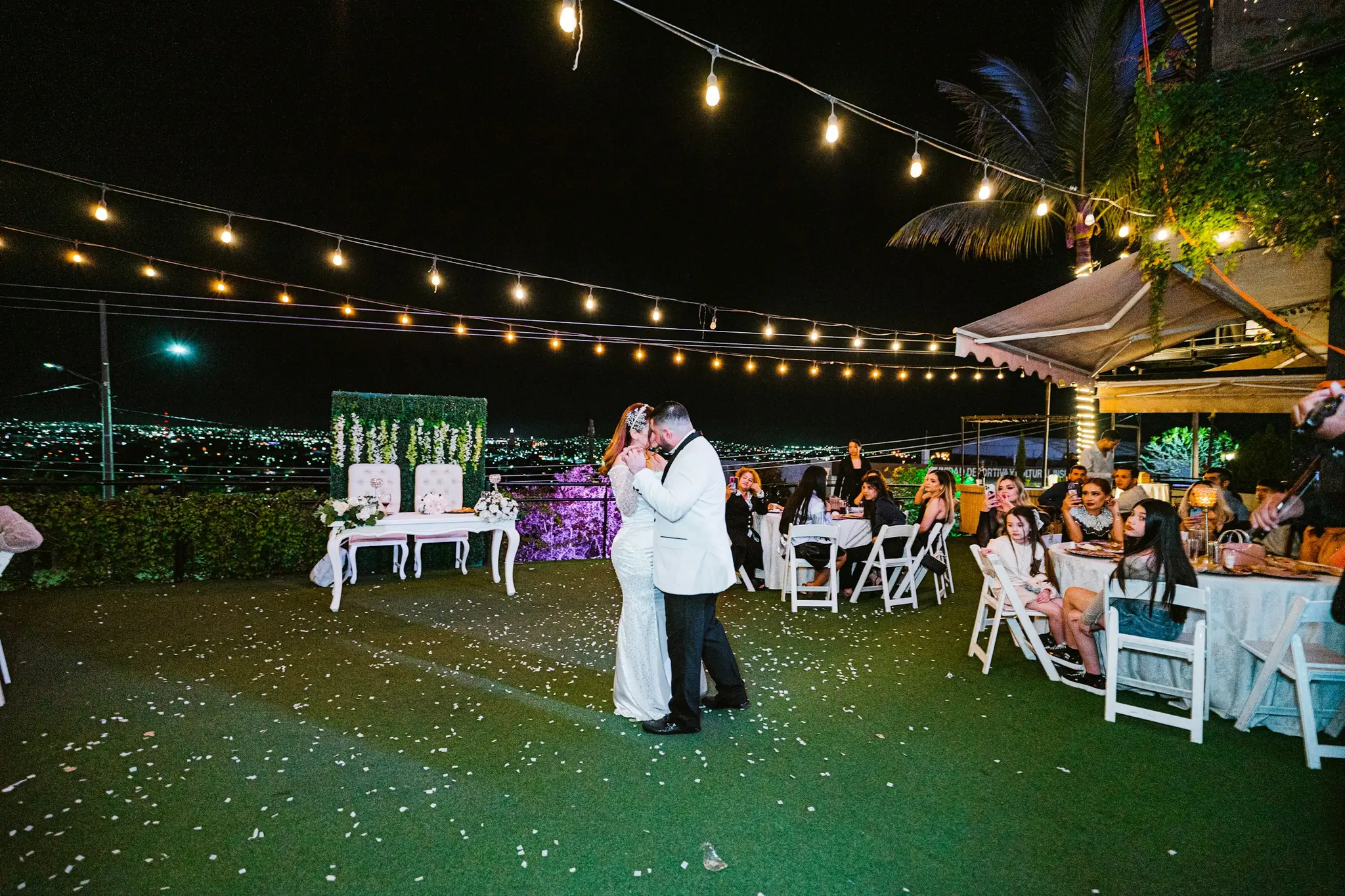
Wedding
Wedding ceremonies, receptions, dinners and parties
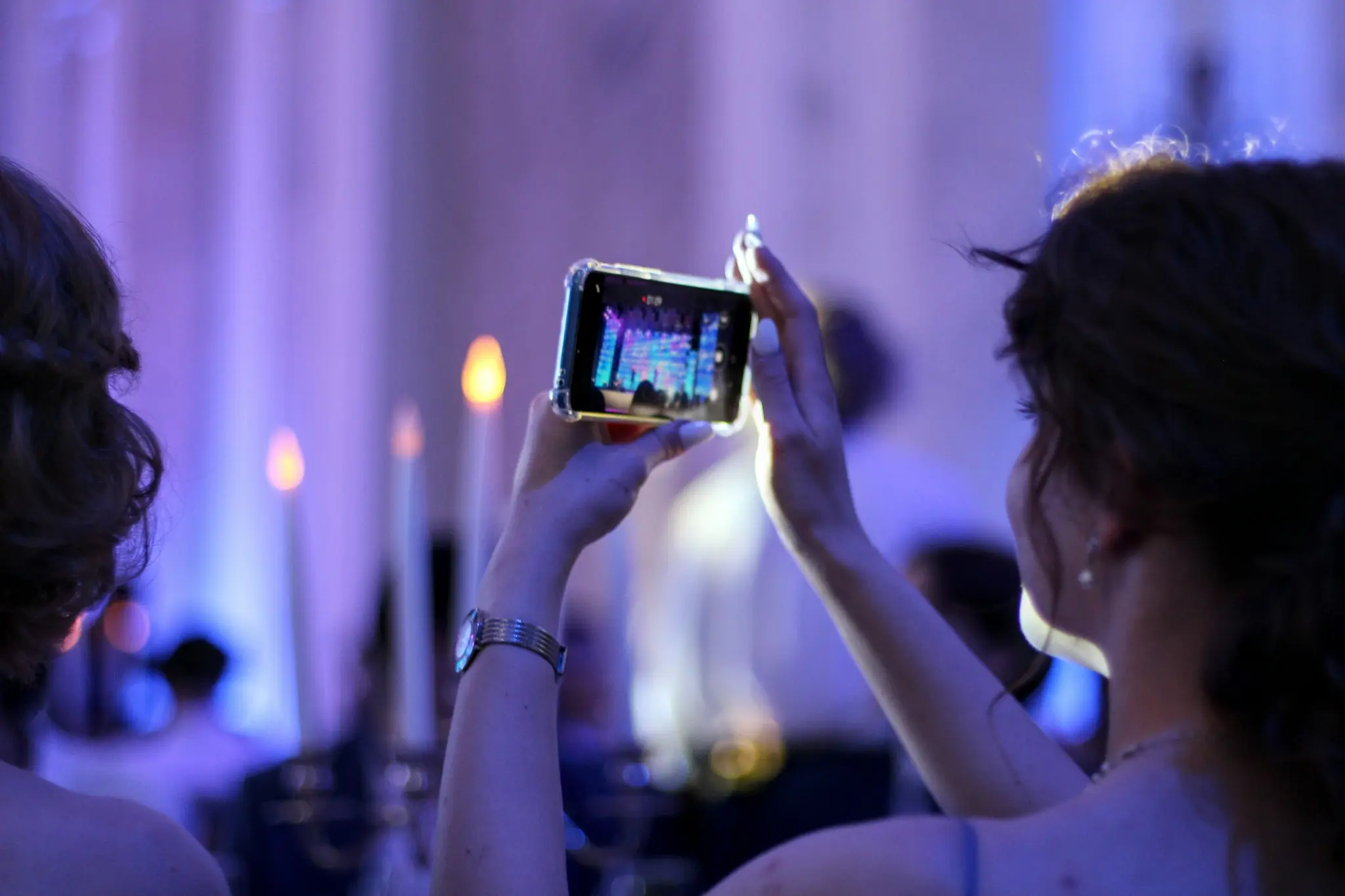
Christmas Party
Company Christmas parties, groups of friends, organizations
Summer Party
Company summer parties, garden parties, barbecues, outdoor events
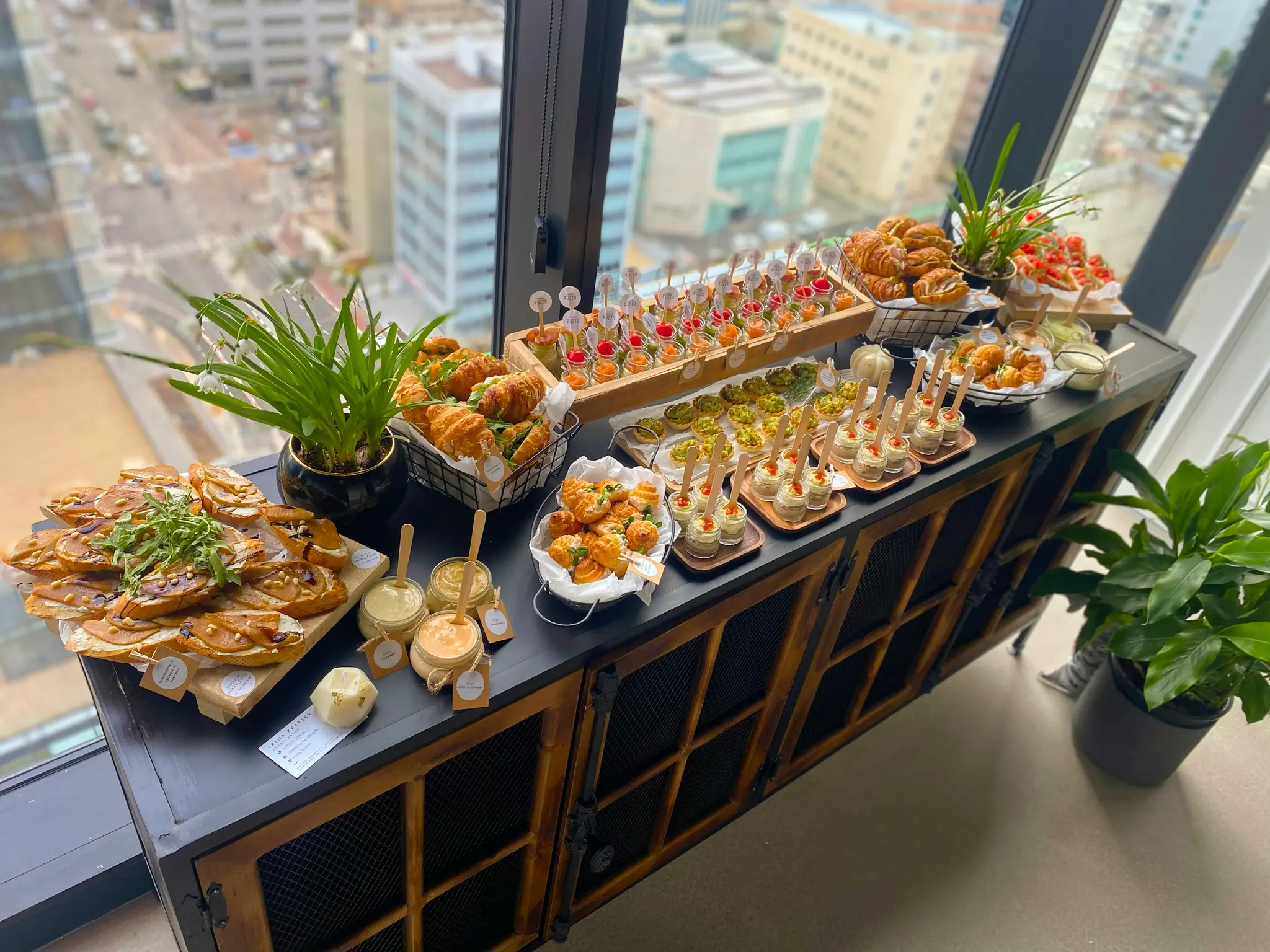
Confirmation
Confirmation parties, family gatherings, church ceremonies
More event types
Why not just a group chat?
Because you have seen how that ends: half the guests never join, and the photos arrive compressed and buried under three hundred messages.
- What guests need
- Snapr: A phone camera and a QR code
- Group chat or shared album: Your number, the app, and an invite
- Where the photos end up
- Snapr: One gallery, yours
- Group chat or shared album: Scattered across chats and phones
- On the big screen
- Snapr: Live slideshow built in
- Group chat or shared album: Not possible
- Photo quality
- Snapr: Web quality free, originals with Premium
- Group chat or shared album: Compressed by the chat app
- Who can see them
- Snapr: Only people with the link
- Group chat or shared album: Everyone in the group, forever
Free to start. Pay once if you want to keep it.
Most parties never need more than the free plan. Weddings usually do.
Free
For the party itself.
- 200 photos per event
- Unlimited guests
- Live slideshow with QR code
- Photos deleted after 14 days
Premium
For the wedding, and anything else worth keeping.
Everything in Free, plus
- Unlimited photos and videos
- Kept for a full year
- Original quality, downloaded in one click
- Upgrade any time before the deadline
In both plans
- No app for guests
- Live slideshow
- Your own QR code
- Private by default
- A photo booth on a tablet, laptop or phone you already own
One payment per event. No subscription, nothing to cancel. Charged in US dollars.
Questions and answers
What guests and hosts ask about most.
How does Snapr work?
Create an event in seconds, display your unique QR code at your venue, and guests scan it to upload photos directly from their phones. Photos appear live on your TV or projector instantly.
Do guests need to download an app?
No! Snapr works entirely in the web browser. Guests simply scan the QR code and can immediately start uploading photos - no app download required.
Is Snapr free to use?
Yes! You can create a free event with up to 200 photos, live slideshow, and 14-day storage. Premium ($29) keeps them for a full year, with original-quality downloads and unlimited uploads.
Can I print the QR code?
Yes. Download it as a PNG from the event page and put it on place cards, posters or signs.
What happens to the photos afterwards?
On a free event they are deleted automatically after 14 days. With Premium they are kept for a full year from the purchase.
Who can see the photos?
Only the people with the link, or who scan the QR code. The gallery is not searchable and we never share it on.
Ready to capture your moments?
No app for your guests, no sign-up for you. Just a QR code and the photos coming in.