Photo Booth Alternative for engagements
Photo Booth Alternative: Snapr for your engagement. Simple, free, and no app — perfect for collecting guest photos and displaying them live on the big screen.
- 200 photos free — no registration
- QR code guests scan with their phones
- Live slideshow on the big screen in real-time
- Works on all devices without an app
No registration required






How to get started
Three steps, no app and no sign-up.
Step 1
Create event
Name your event and get a unique QR code in seconds.
Step 2
Share QR code
Display the QR code or print it. Guests scan with their phones.
Step 3
Watch photos live
Photos appear on the big screen in real-time as guests upload.
How photo booth alternative works for engagements
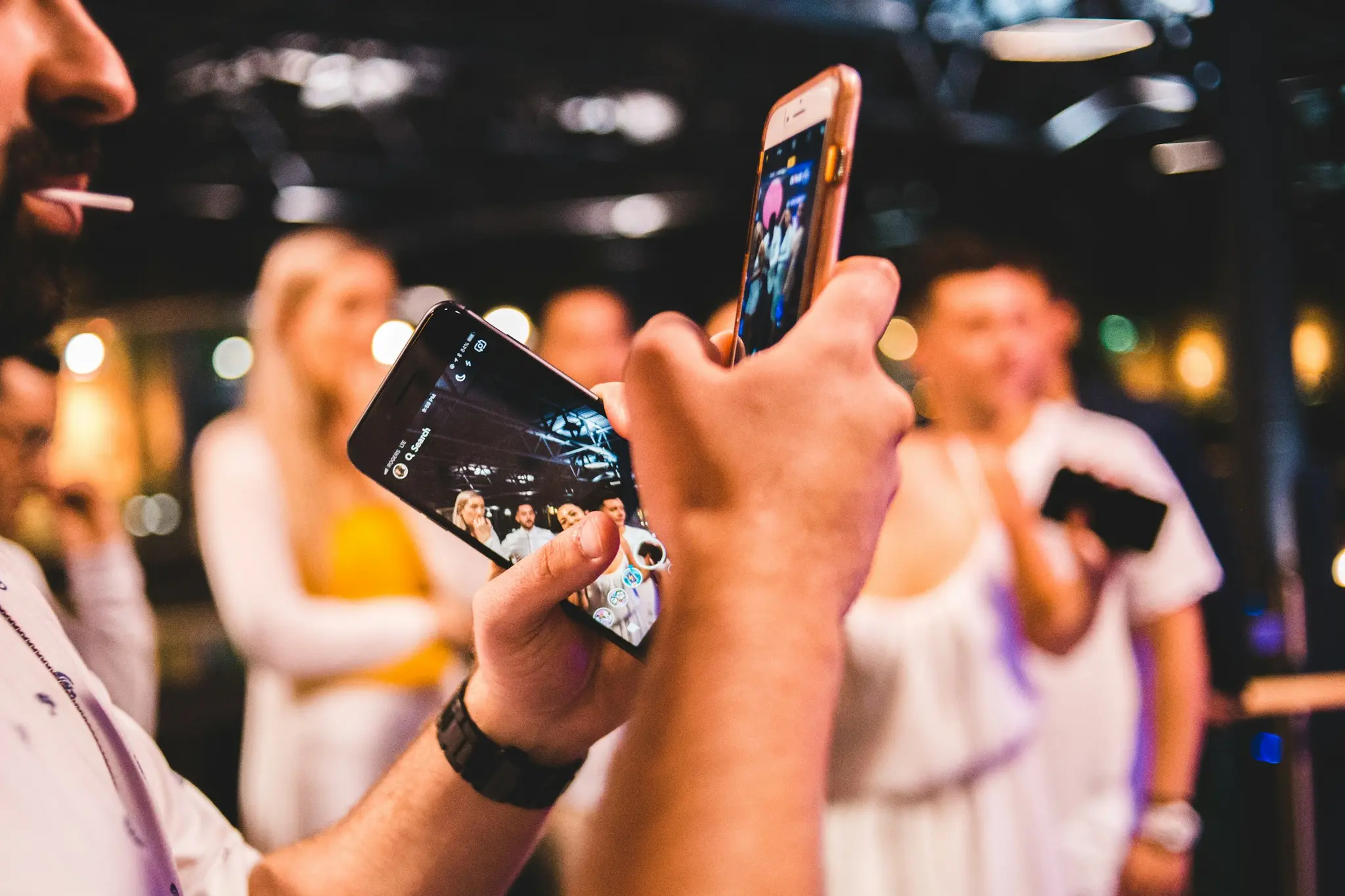
Snapr makes photo booth alternative for your engagement simple and effortless. Create an event in seconds, get a unique QR code, and share it with your guests. They scan the code and upload photos directly — no app download needed.
Snapr as the booth itself, running on a screen you already own: a tablet, a laptop or an old phone on a stand. It counts down, flashes the screen white and puts the picture on the wall a moment later, under the event's own name. Guests who would rather not queue scan the same QR code and shoot from their own phones into the same gallery. Nothing is delivered, nothing is rented and nothing prints.
Everything is included in the free tier: up to 200 photos, live slideshow, QR code, and 14-day storage. Need more? Premium keeps the photos a full year, with original-quality downloads and unlimited uploads, for a one-time payment.
Setting up Photo Booth Alternative
- 1Pick the device that will stand there. A tablet is the usual choice; a laptop with a webcam gives you the countdown and the screen flash, and an old phone works too. Whichever it is, it needs a charger — the screen stays on all evening.
- 2Open the booth from the event dashboard on that device and leave it there, where the rented booth would have stood: a side table by the bar, the corner by the dance floor.
- 3Light that corner. It is the one decision that changes how the pictures look — a lamp, a string of fairy lights or a window in daylight beats anything the software can do afterwards.
- 4Print the QR code as well. The guests who never queue still fill the same gallery from their own phones, and that is usually most of the evening's photos.
Photo Booth Alternative — the specifics
- Cost
- Free plan 0, or $29 once for Premium. A photo booth rental in Norway runs 2,500–13,500 NOK for an evening.
- Camera and light
- The camera in whatever you stand there, plus every guest's own phone. The screen flashes white at the shutter, which helps in a dim room. A rented booth still arrives with a system camera and a studio flash, and at eleven at night that difference is real.
- Prints
- None. A booth prints a strip in seconds, and that paper in someone's hand is the single thing Snapr cannot replace.
- Props and backdrop
- Not included. Rentals normally come with a backdrop, hats, glasses and signs, which is a large part of why people queue up.
- Attendant
- None. Most rentals include a person who keeps the queue moving and fixes the printer; with Snapr that job falls to you or a friend.
- Coverage
- Everyone shoots at the same time from anywhere in the venue, including the dinner table and outside. 200 photos on the free plan, unlimited with Premium, all in one gallery.
When something goes wrong
Guests expect a booth and ask where the prints come out.
There is a booth; there are no prints. Write both on the sign — "photo booth, photos land on the screen" — and the question stops before anyone reaches the bar to ask it.
The photos are dark and grainy next to booth pictures.
Phone cameras have nothing to fight studio lighting with, and uploads are never brightened for you. Pick the corner with a lamp or fairy lights, put the QR sign there, and tell people to use the flash — one lit corner changes the whole gallery.
The booth stands there all evening and nobody touches it.
Then it is somewhere people walk past rather than somewhere they stop. Move it to where a queue would form on its own — beside the bar, not in a corridor — and have someone use it once, loudly, right after the first speech. That is usually when the rest follow.
What it is not good for
If what you are paying for is prints in guests' hands, props, studio lighting and someone running it all evening, rent the booth. Snapr gives you the countdown, the flash and the screen on a device you already own — not paper, not a backdrop and not an attendant.
Why Snapr for engagements?
No app needed
Guests don't need to download anything — everything works in the browser.
Free to start
200 photos free per event. Upgrade if you need more.
Live on big screen
Connect to TV or projector and watch photos arrive in real-time.
Secure & private
Only those with the link have access. Your photos stay private.
Related features
Built for the one evening where it has to just work.
QR Code
The QR code holds one thing: the guest upload address for a single event — a snapr.no link with the event id and a 64-character access key. A phone camera opens it in the browser. Every event gets its own code, and it points at nothing else.
Live Slideshow
A full-screen browser page at snapr.no/<language>/event/<event-id>/display that listens for new uploads and shows them as they arrive. It runs on whatever drives the screen — laptop, TV browser, Chromecast or AirPlay — and needs no software installed.
Photo Sharing
After scanning the QR code a guest lands on an upload page in the phone's browser: one button opens the camera, the other picks from the gallery, up to 20 files per go. The files join the event's shared collection and appear on the big screen.
Photo Wall
A photo wall is the grid mode of the display page: instead of one picture at a time, the screen tiles up to six guest photos at once in a fixed asymmetric layout, and the selection moves one photo forward on every interval as new uploads arrive.
TV Display
TV display means getting the event's display page onto the television at the venue. Three routes: an HDMI cable from a laptop, casting a Chrome tab to a Chromecast, or AirPlay screen mirroring. The TV runs an ordinary web page — there is no Snapr TV app.
DIY Photo Booth
A photo booth you set up yourself: an old tablet, a laptop or a spare phone on a stand, running Snapr's booth screen. It counts down, flashes the screen white and puts the picture on the wall a moment later, under the event's own name. The hardware is whatever you already own — what makes it a booth is the queue, the countdown and the framed photo at the end.
Frequently Asked Questions
What guests and hosts ask about most.
Is Snapr worth setting up for a small, intimate engagement party?
Yes — even with just family and close friends, having everyone's photos automatically collected in one gallery is easier than piecing them together from group chats, and the free plan comfortably covers a gathering this size.
Can we keep the engagement photos private to just the people who were there?
Yes, there's no public listing — only guests with your QR code or link can view or add photos, so the moment stays between the people you invited.
Can we save the photos as a keepsake before the wedding planning takes over?
Yes — download the full gallery whenever you like. If you want to hold onto it longer than the free 14 days, a one-time premium upgrade extends storage to a full year.
All Events
Find the Snapr guide for your event.
Wedding
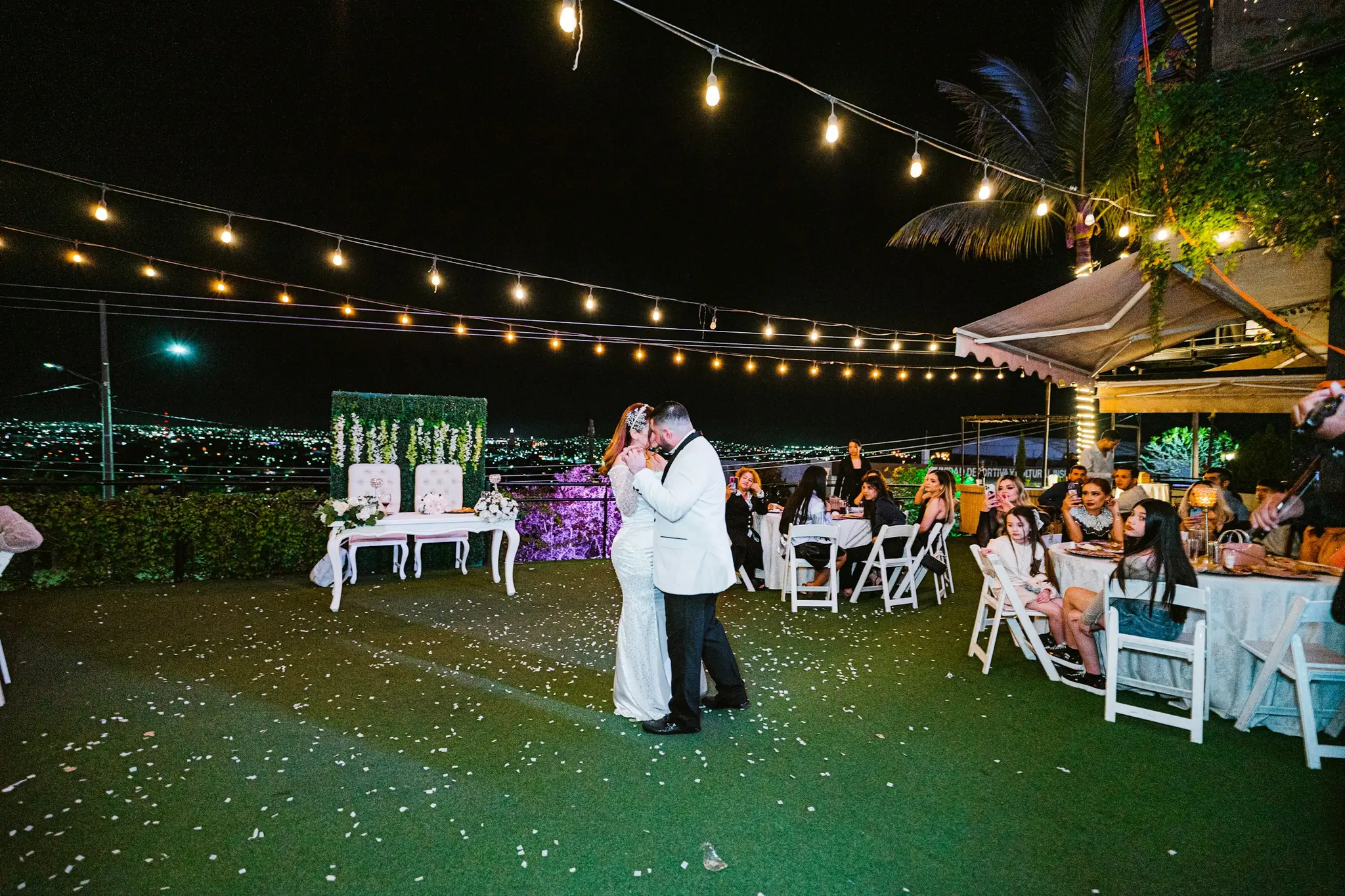
Wedding ceremonies, receptions, dinners and parties

Birthday
All ages, surprise parties, milestone birthdays
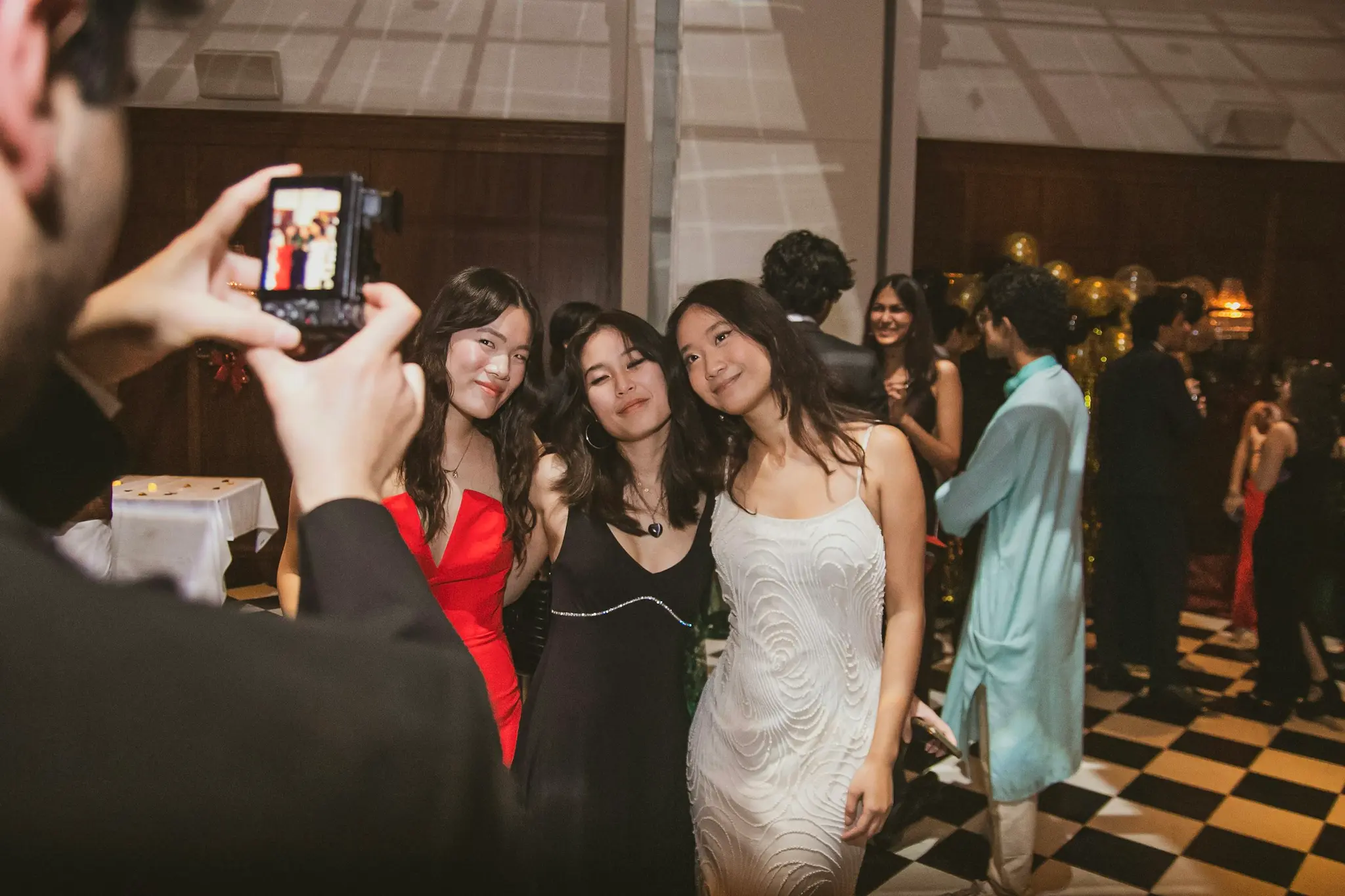
Kids Birthday
Games, activities, themed parties for kids ages 1-12

40th Birthday
Milestone celebrations, surprise parties, dinner parties
50th Birthday
Big milestone celebrations, family parties, event venues
Confirmation
Confirmation parties, family gatherings, church ceremonies
Photo Booth Alternative for engagements
Create a free event in 30 seconds. Guests scan the QR code — no app required.
Create a free eventNo registration required