Real-Time Photo Sharing for events
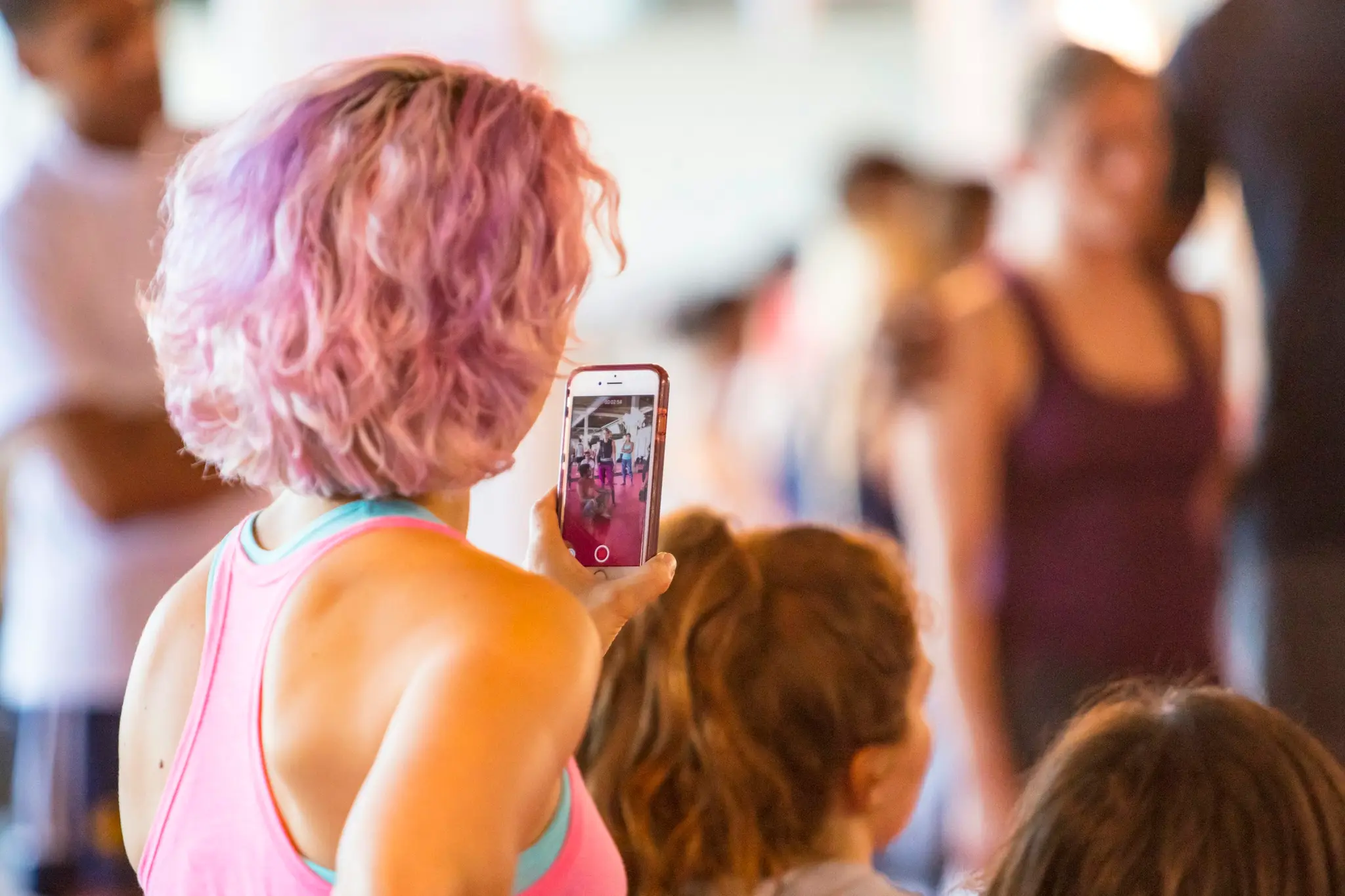
Real-Time Photo Sharing with Snapr — the easiest way to collect guest photos. QR code, no app, live on the big screen. Perfect for all types of events.
- 200 photos free — no registration
- QR code guests scan with their phones
- Live slideshow on the big screen in real-time
- Works on all devices without an app
No registration required







How to get started
Three steps, no app and no sign-up.
- 1
Create event
Name your event and get a unique QR code in seconds.
- 2
Share QR code
Display the QR code or print it. Guests scan with their phones.
- 3
Watch photos live
Photos appear on the big screen in real-time as guests upload.
How real-time photo sharing works with Snapr
The big screen holds an open subscription to the event's photo list in the database. When a guest's upload finishes, the record is written and the screen is pushed the change over that connection — no polling, no page refresh. The photo is preloaded, then slotted into the running slideshow.
Snapr makes real-time photo sharing simple. Create an event, get a QR code, and share it with guests. They scan and upload directly from their phones — no app needed. All photos are automatically collected and displayed in real-time.
You get full control: choose display mode, adjust speed, and download every photo in one click, and keep them a full year with premium. Perfect for weddings, birthdays, corporate parties, confirmations and any occasion where photos need to be shared.
Setting up Real-Time Photo Sharing
- 1Open the event's slideshow page in a browser on the machine driving the screen or projector, and leave that tab open — the live connection lives in the page.
- 2Press F for fullscreen. The controls fade out after three seconds of no mouse movement, so the room only sees photos.
- 3Leave the QR code visible (Q toggles it) so late arrivals can join without anyone having to explain how.
- 4Check the small wifi icon top right: green means the connection is live. Adjust slide time with + and − if photos are arriving faster than five seconds a slide.
Real-Time Photo Sharing — the specifics
- How updates travel
- Open subscription to the event's media node in Firebase Realtime Database. The server pushes; the screen never asks.
- Typical delay, upload finished to on screen
- A couple of seconds. Nearly all of the wait a guest experiences is their own upload, not the screen.
- Page refresh needed
- Never. The slideshow can run all evening on one page load.
- Where a new photo lands in the queue
- Preloaded first, then inserted right after the current slide in single view, or within the next grid cycle in grid view.
- Slide interval
- 5 seconds by default, adjustable from 1 to 30 seconds. Videos play to the end before advancing.
- If the screen loses the network
- The wifi indicator turns red and the slideshow keeps playing what it already has; the subscription resumes and catches up when the connection returns.
When something goes wrong
Guests say they've uploaded, but nothing new reaches the screen.
Look at the wifi indicator in the top right corner of the slideshow. Red means the screen's own connection dropped — reconnect that machine to the network. Green means the photos have not finished uploading yet on the guests' side; that is upstream bandwidth, not the screen.
Photos arrive within seconds early on, then take a minute or two once the room fills up.
Twenty phones on one venue access point share the same upstream. Nothing is broken. If you know the room will be full, ask guests to upload a handful at a time rather than a batch of twenty, and expect videos to take noticeably longer than photos.
The screen goes black or the screensaver kicks in halfway through the evening.
Disable sleep and screensaver on the machine driving the screen before the event starts, and press F for fullscreen — fullscreen keeps most laptops awake but power settings still win. Plug the laptop into mains power too; battery savers dim and suspend the display.
What it is not good for
This shows photos as they finish uploading — it is not a live video feed, and on a weak venue connection a photo can take minutes rather than seconds to make it up from a guest's phone.
Why Snapr?
No app needed
Guests don't need to download anything — works in the browser on all devices.
Free to start
200 photos free per event. Premium keeps them a full year, with original-quality downloads and unlimited uploads.
Live on the big screen
Connect to TV or projector and watch photos arrive in real-time as guests upload.
Secure & private
Only those with the link can access. Your photos stay private and encrypted.
Frequently Asked Questions
What guests and hosts ask about most.
How does real-time photo sharing work with Snapr?
Create an event on Snapr and get a unique QR code. Guests scan it with their phones to use real-time photo sharing instantly — no app download, no registration. Everything works directly in the browser.
Do guests need to download an app for real-time photo sharing?
No! Real-Time Photo Sharing works entirely in the browser on all phones. Guests just scan the QR code and can use it right away.
How much does real-time photo sharing cost with Snapr?
The free version includes real-time photo sharing plus 200 photos, live slideshow, and 14-day storage — completely free. Premium costs a one-time payment of $29 for unlimited photos, original-quality downloads, and 1 year of storage.
Perfect for these events
Find the Snapr guide for your event.
Real-Time — wedding
How to use real-time photo sharing for wedding.
See how real-time photo sharing works for your wedding.Real-Time — birthday
How to use real-time photo sharing for birthday.
See how real-time photo sharing works for your birthday.Real-Time — kids birthday
How to use real-time photo sharing for kids birthday.
See how real-time photo sharing works for your kids birthday.Real-Time — 40th birthday
How to use real-time photo sharing for 40th birthday.
See how real-time photo sharing works for your 40th birthday.Real-Time — 50th birthday
How to use real-time photo sharing for 50th birthday.
See how real-time photo sharing works for your 50th birthday.Real-Time — confirmation
How to use real-time photo sharing for confirmation.
See how real-time photo sharing works for your confirmation.Real-Time — wedding anniversary
How to use real-time photo sharing for wedding anniversary.
See how real-time photo sharing works for your wedding anniversary.Real-Time — anniversary
How to use real-time photo sharing for anniversary.
See how real-time photo sharing works for your anniversary.Real-Time — Christmas party
How to use real-time photo sharing for Christmas party.
See how real-time photo sharing works for your Christmas party.Real-Time — class reunion
How to use real-time photo sharing for class reunion.
See how real-time photo sharing works for your class reunion.Real-Time — baby shower
How to use real-time photo sharing for baby shower.
See how real-time photo sharing works for your baby shower.Real-Time — baptism
How to use real-time photo sharing for baptism.
See how real-time photo sharing works for your baptism.

Real-Time Photo Sharing for events
Create a free event in 30 seconds. Guests scan the QR code — no app required.
Create a free eventNo registration required