Exhibition photos
Collect exhibition photos from all your guests with Snapr. QR code, no app — photos display live on the big screen. Perfect for your exhibition.
- 200 photos free — no registration
- QR code guests scan with their phones
- Live slideshow on the big screen in real-time
- Works on all devices without an app
No registration required
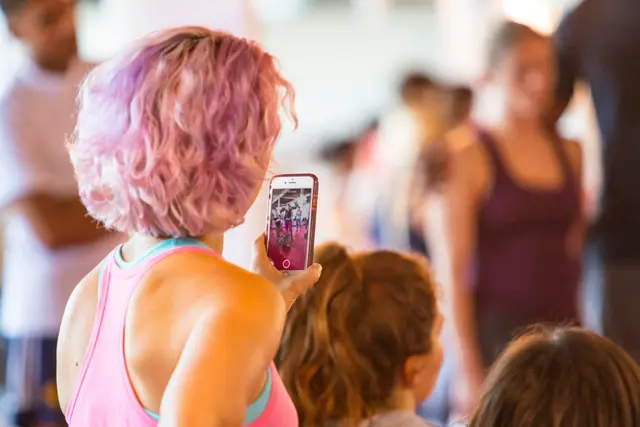





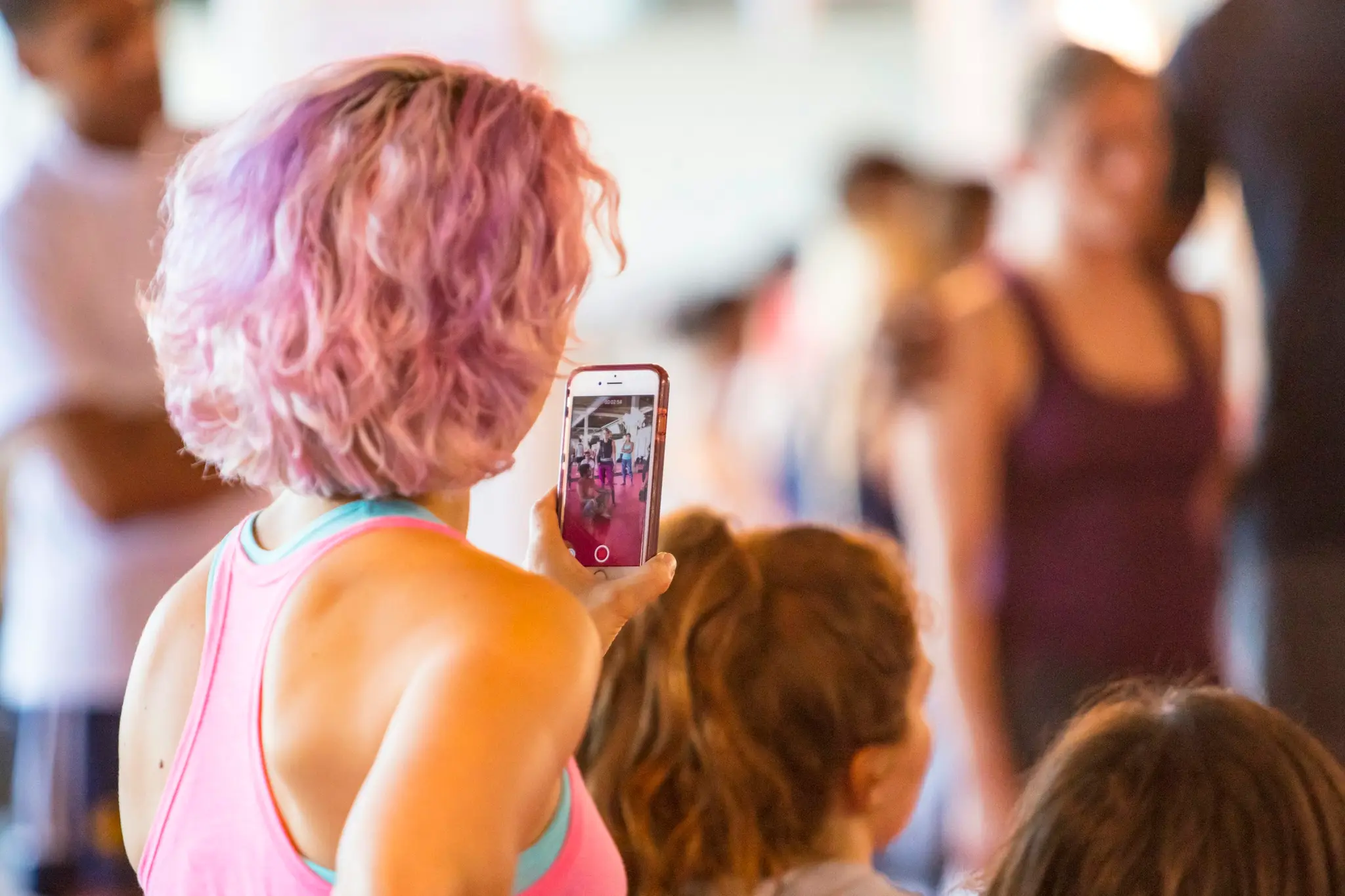
The photos your guests take
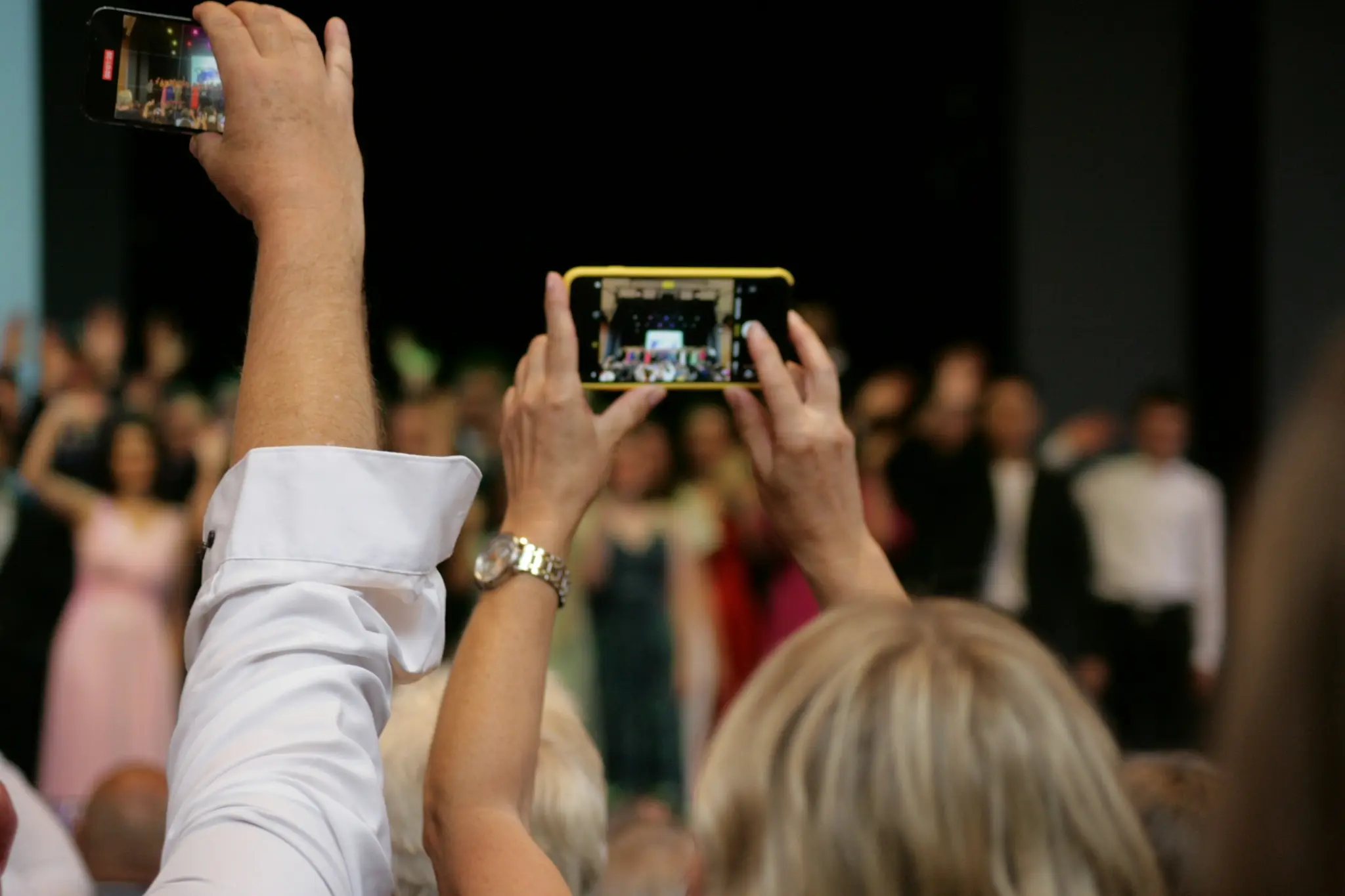
Everything guests photograph lands in one shared gallery, and on the big screen while the party is still going.
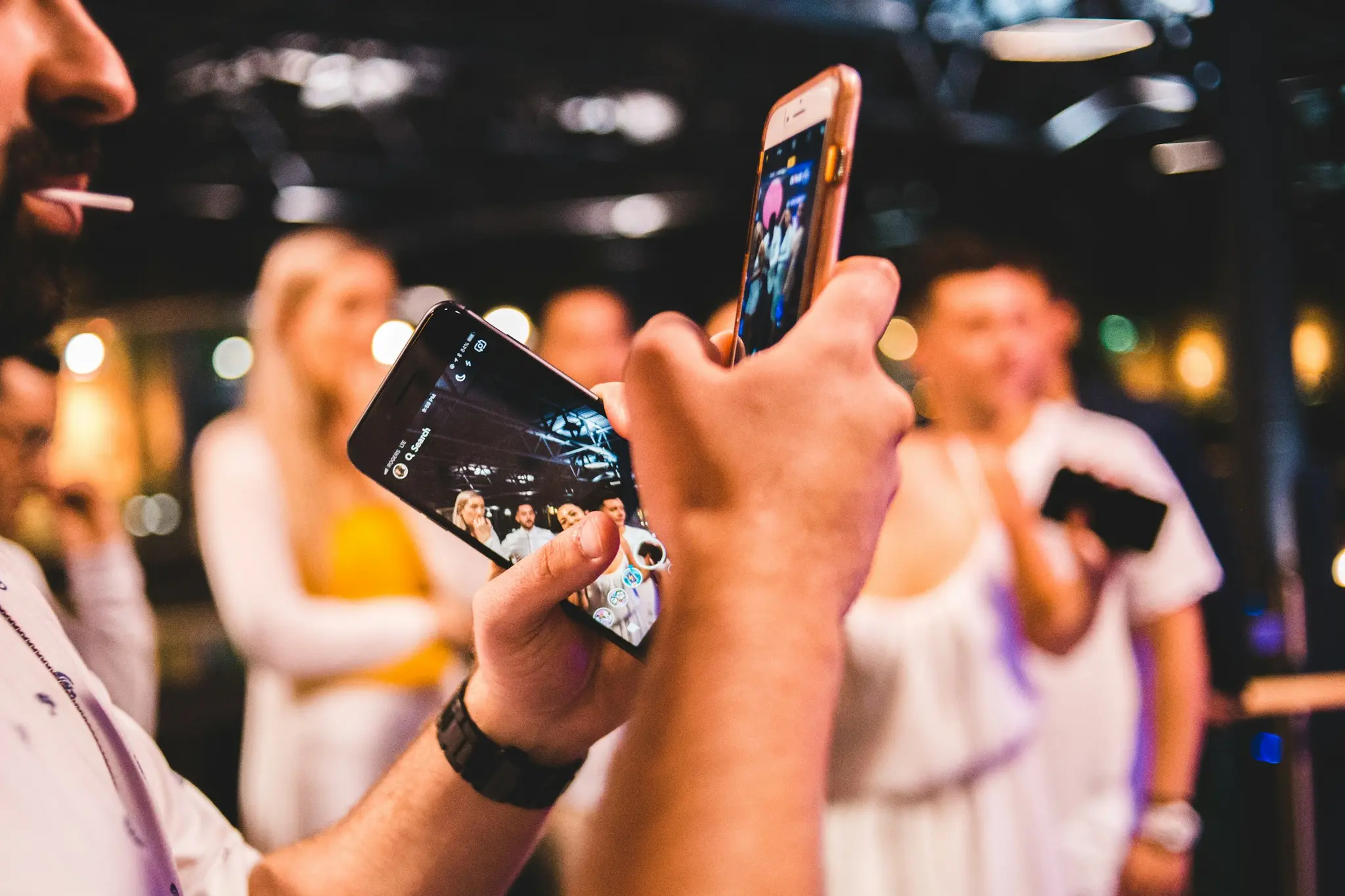
New photo from Mari
just now

How to collect photos from your exhibition
Three steps, no app and no sign-up.
Step 1
Create event
Name your event and get a unique QR code in seconds.
Step 2
Share QR code
Display it on screen or print it. Guests scan with their phones.
Step 3
Get photos live
All photos appear on the big screen in real-time as guests upload.

Features for your exhibition
Explore everything Snapr can do for your exhibition.
QR Code
The QR code holds one thing: the guest upload address for a single event — a snapr.no link with the event id and a 64-character access key. A phone camera opens it in the browser. Every event gets its own code, and it points at nothing else.
Live Slideshow
A full-screen browser page at snapr.no/<language>/event/<event-id>/display that listens for new uploads and shows them as they arrive. It runs on whatever drives the screen — laptop, TV browser, Chromecast or AirPlay — and needs no software installed.
Photo Sharing
After scanning the QR code a guest lands on an upload page in the phone's browser: one button opens the camera, the other picks from the gallery, up to 20 files per go. The files join the event's shared collection and appear on the big screen.
Photo Wall
A photo wall is the grid mode of the display page: instead of one picture at a time, the screen tiles up to six guest photos at once in a fixed asymmetric layout, and the selection moves one photo forward on every interval as new uploads arrive.
TV Display
TV display means getting the event's display page onto the television at the venue. Three routes: an HDMI cable from a laptop, casting a Chrome tab to a Chromecast, or AirPlay screen mirroring. The TV runs an ordinary web page — there is no Snapr TV app.
Photo Booth Alternative
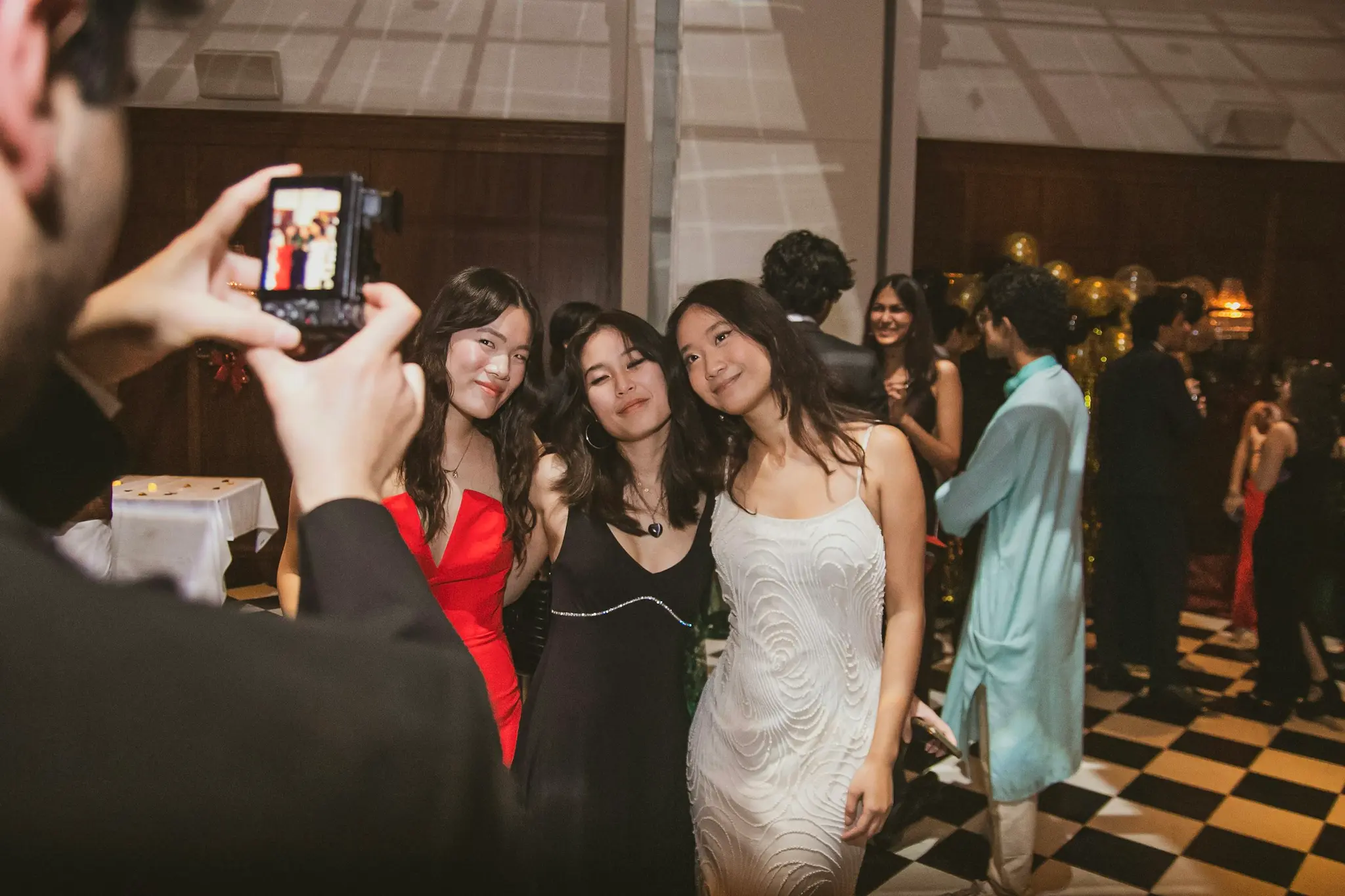
Snapr as the booth itself, running on a screen you already own: a tablet, a laptop or an old phone on a stand. It counts down, flashes the screen white and puts the picture on the wall a moment later, under the event's own name. Guests who would rather not queue scan the same QR code and shoot from their own phones into the same gallery. Nothing is delivered, nothing is rented and nothing prints.
Why Snapr?
No app needed
Guests don't need to download anything — everything works in the browser.
Free to start
200 photos free per event. Upgrade for more.
Live on big screen
Connect to TV or projector and watch photos arrive in real-time.
Secure & private
Only those with the link can access. Your photos stay private.
Frequently Asked Questions
What guests and hosts ask about most.
Can visitors add photos throughout a multi-day exhibition?
Yes. The QR code stays active for as long as your exhibition runs, so visitors on day one and day five all contribute to the same shared gallery — a running record of how the exhibition was received, not just a snapshot from opening night.
Can we display visitor photos live on a screen during the exhibition?
Yes. Put a screen near the entrance or a focal point in the exhibition, and it shows photos live as visitors upload them — a nice way to show off the exhibits through visitors' own eyes and encourage more people to scan and contribute.
Can we download all the photos afterward for our own marketing or archive?
With Premium (one-time $29), you can download all photos and keep them for a year — useful if you want to reuse visitor photos for a gallery archive, sponsor reports, or next year's marketing. The free plan covers 200 photos with 14-day storage.
All Events
Find Snapr guides for all event types
Exhibition photos
Create a free event in 30 seconds. Guests scan the QR code — no app required.
Create a free eventNo registration required